
Automate slideshows that drive traffic to your product
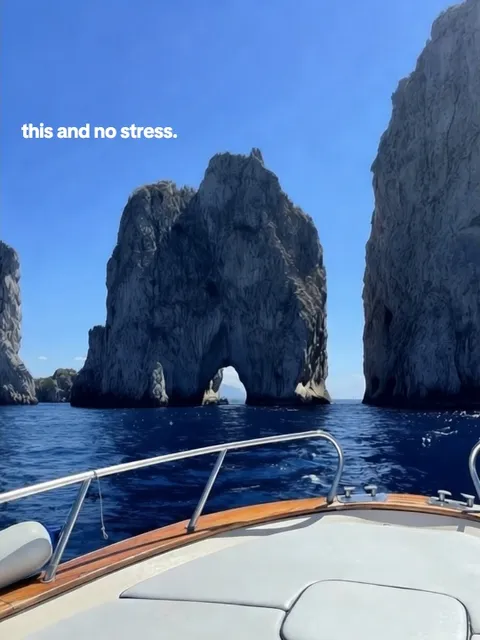
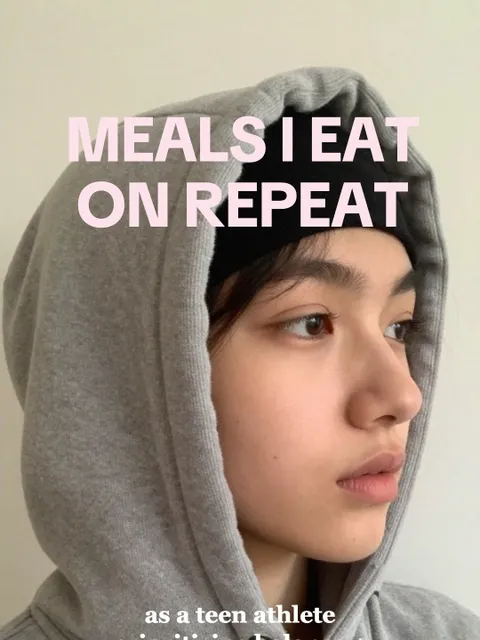

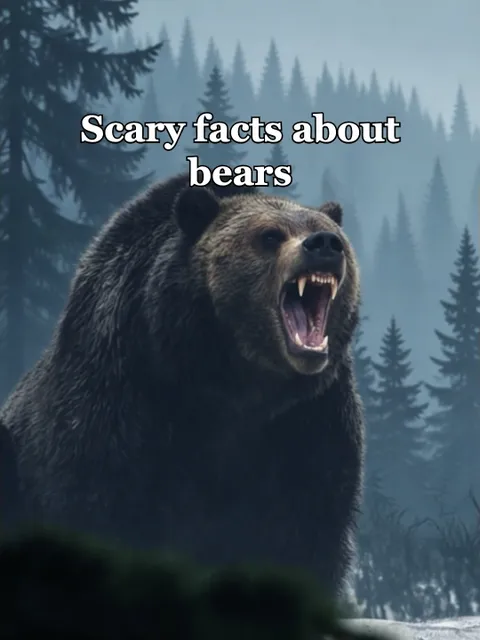
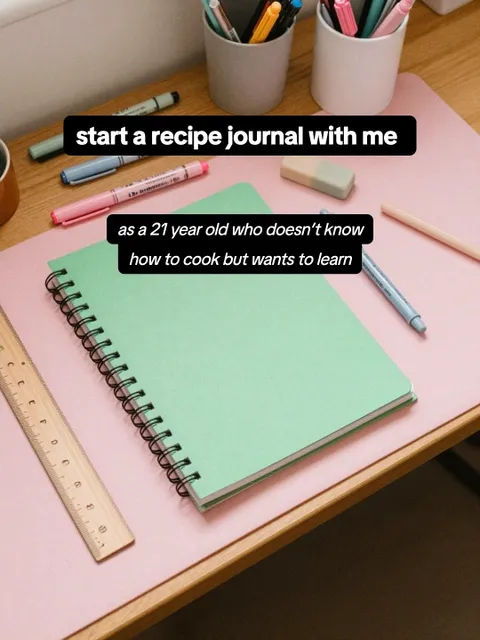
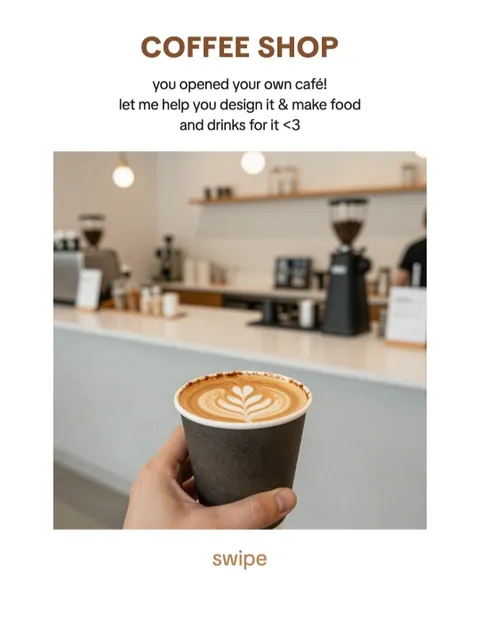

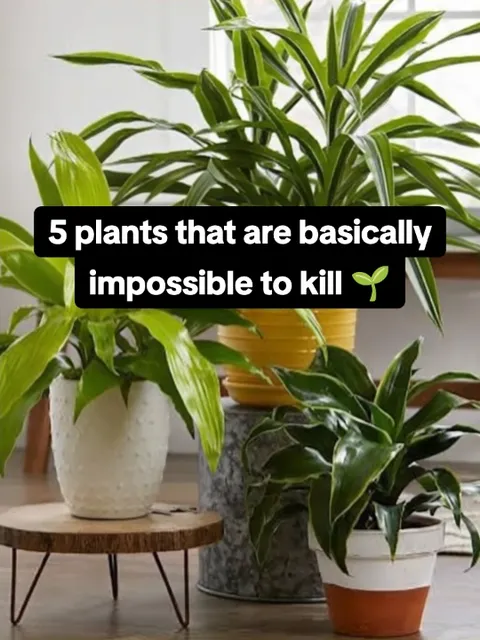
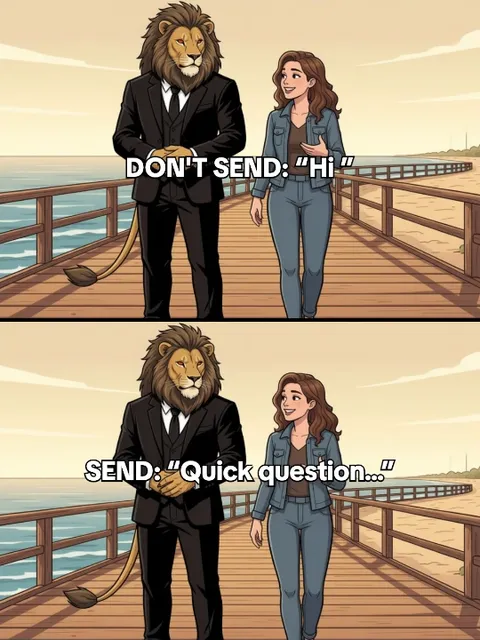
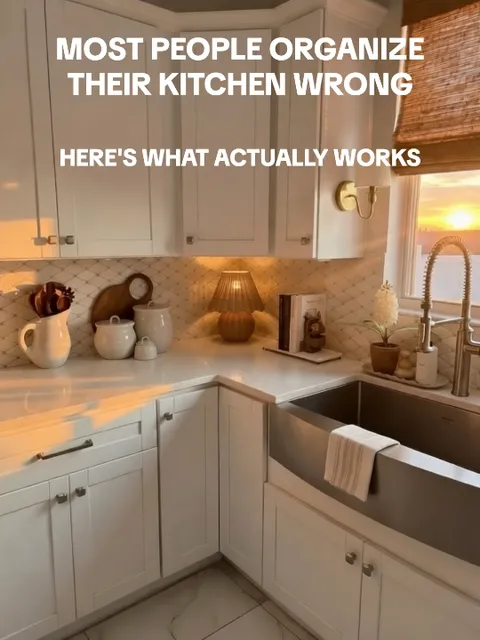
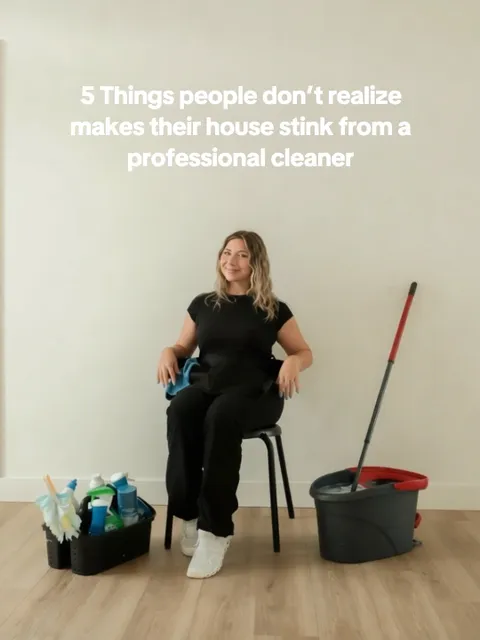

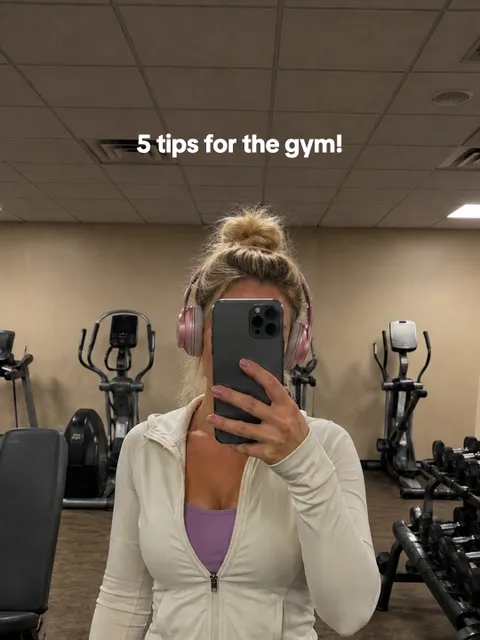
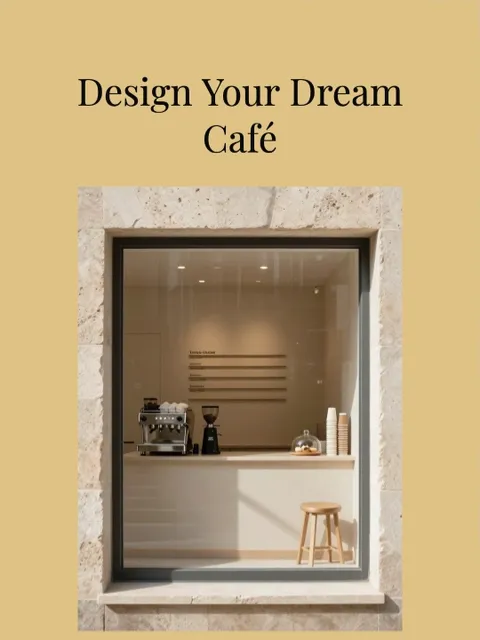
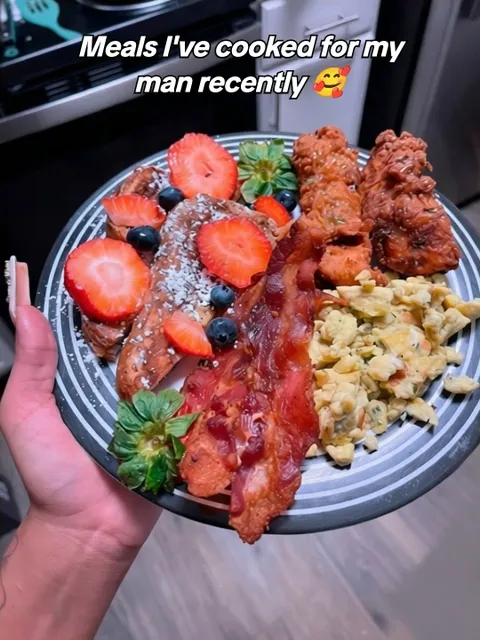
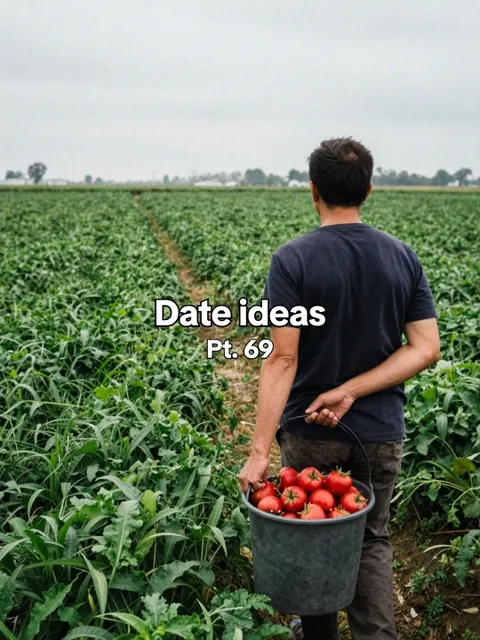

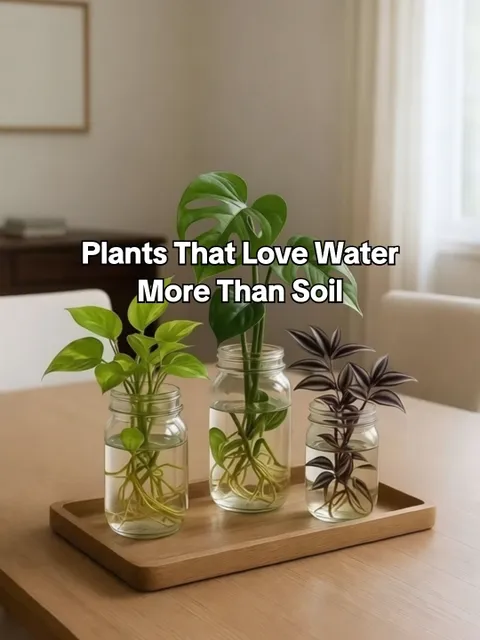
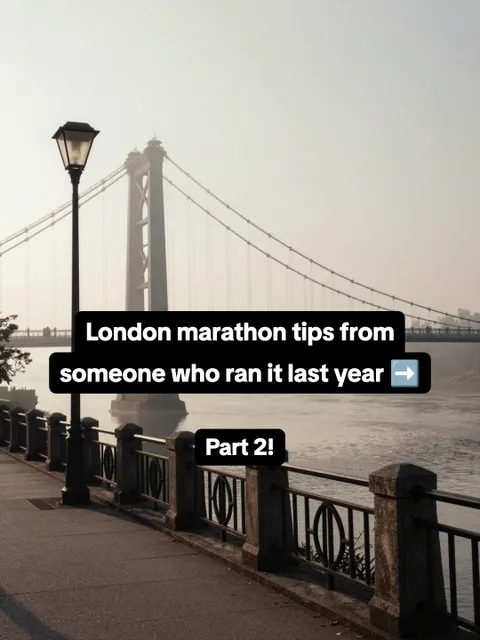
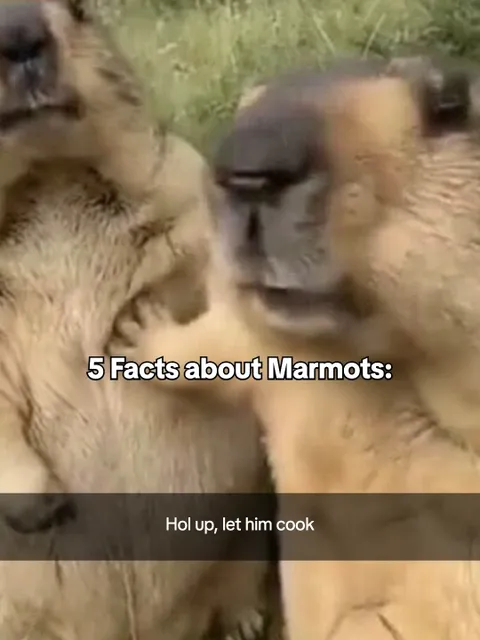
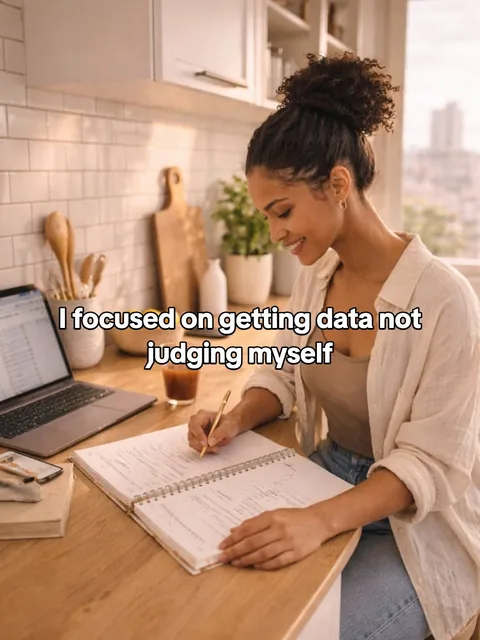
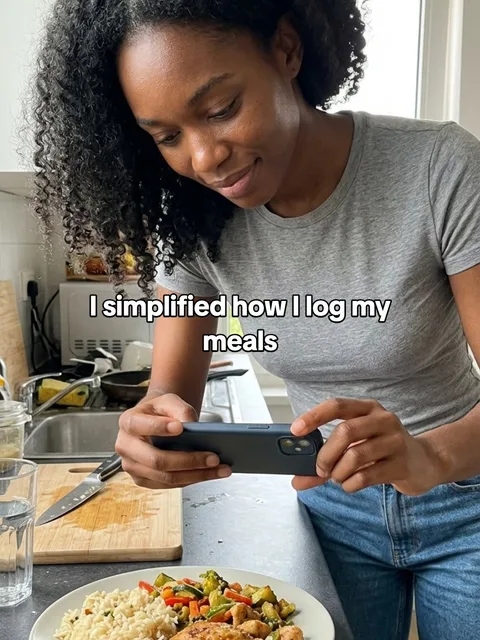
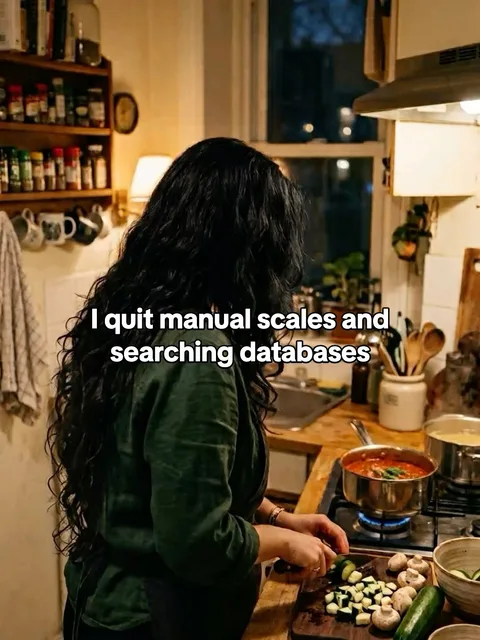
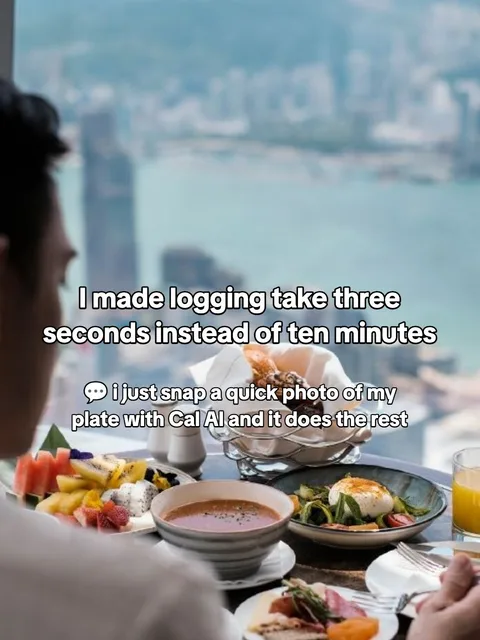
Formats from our template library, with the original posts' TikTok views and likes.
See what it actually makes
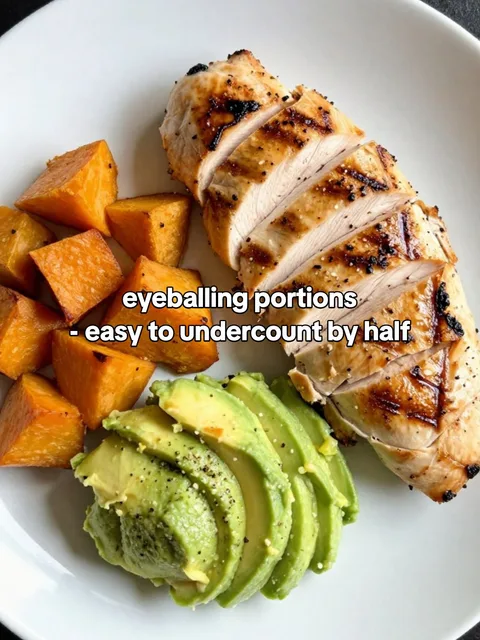
We gave Viral Garden one link or product photo per brand. Here are three posts it made for each.
App

 1/7
1/7
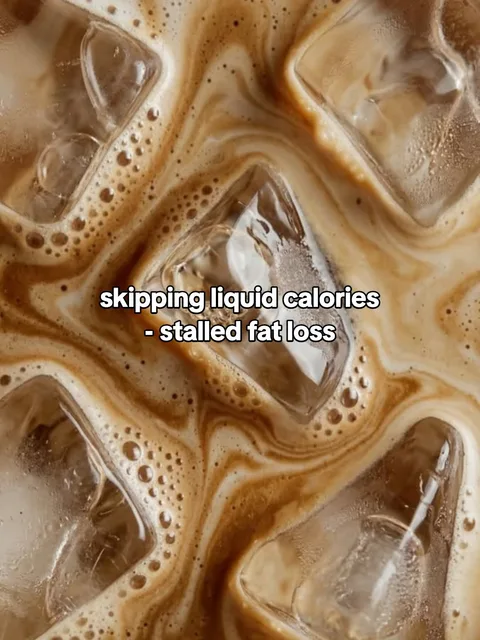
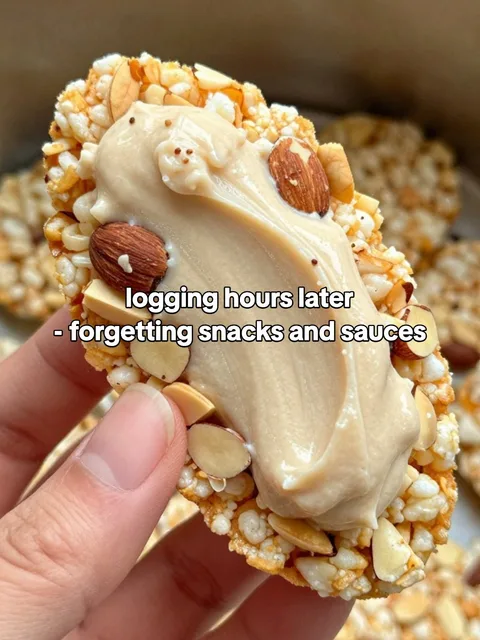
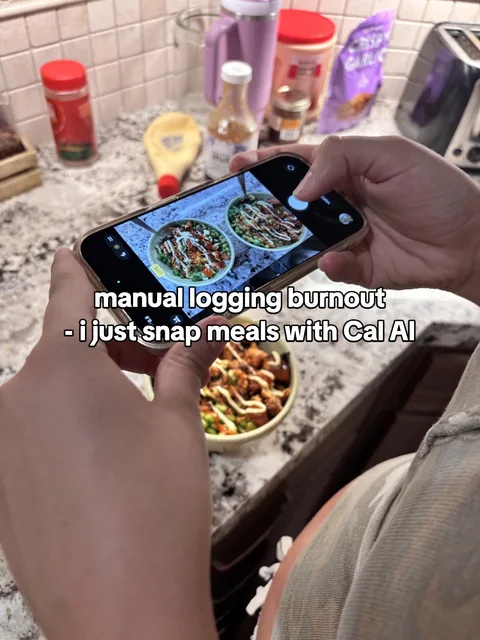
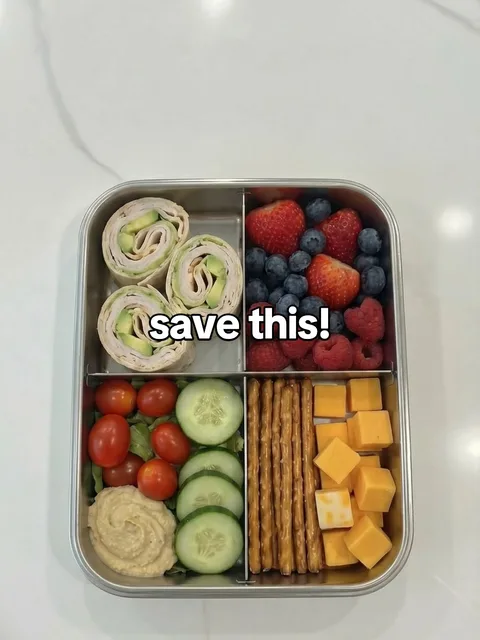
 1/4
1/4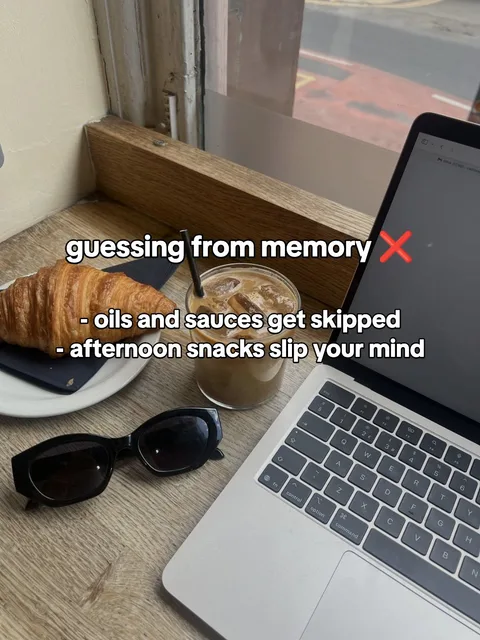
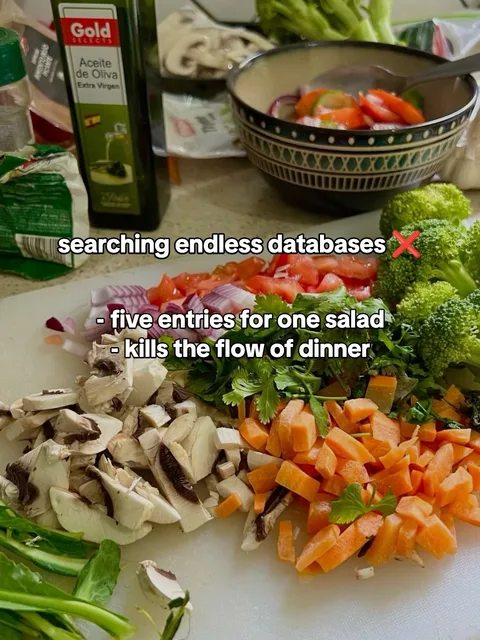
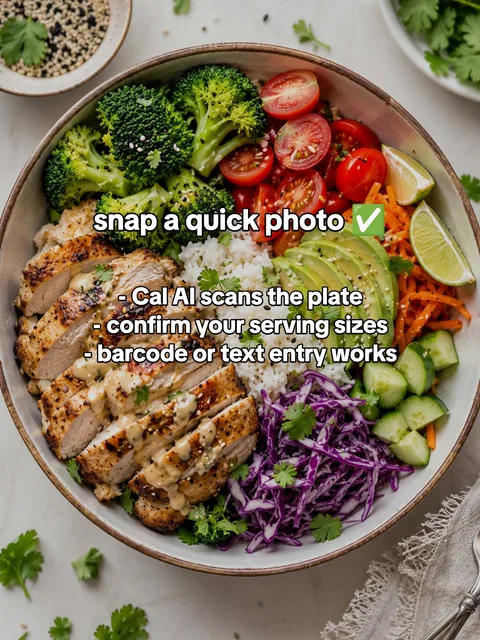
 1/7
1/7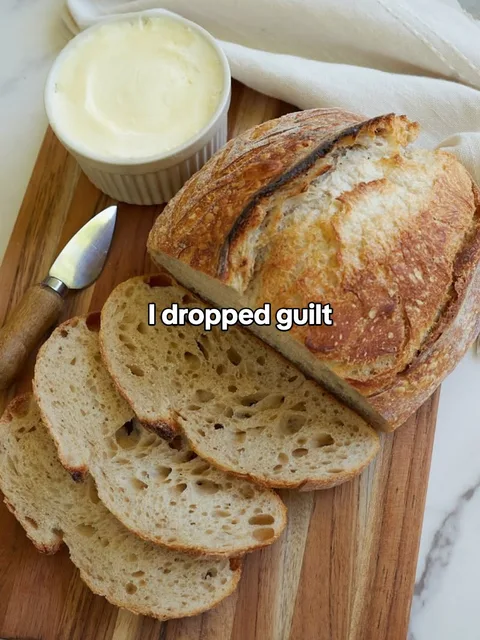

App

 1/5
1/5

 1/4
1/4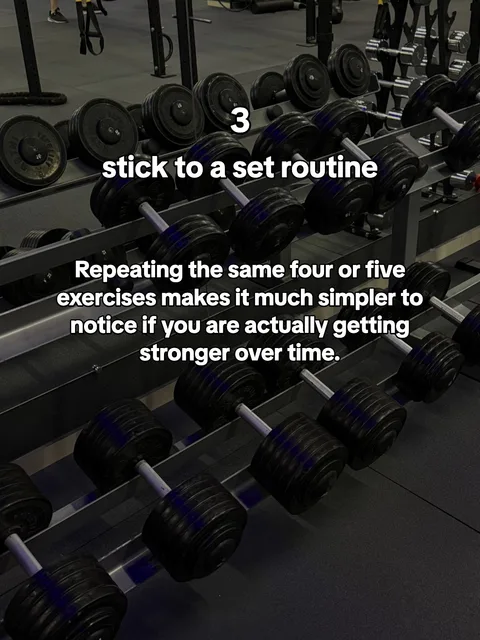
 1/4
1/4

Turn slideshows that already worked into posts for your brand
Found a TikTok or Instagram slideshow you wish you'd made? Paste its link in the box up top. Viral Garden rebuilds it as an editable template: the same layout and text styles, with your words and images.
Photo slideshows and single photos, not videos or Reels. Each import uses 5 credits.

5 habits that fixed my mornings
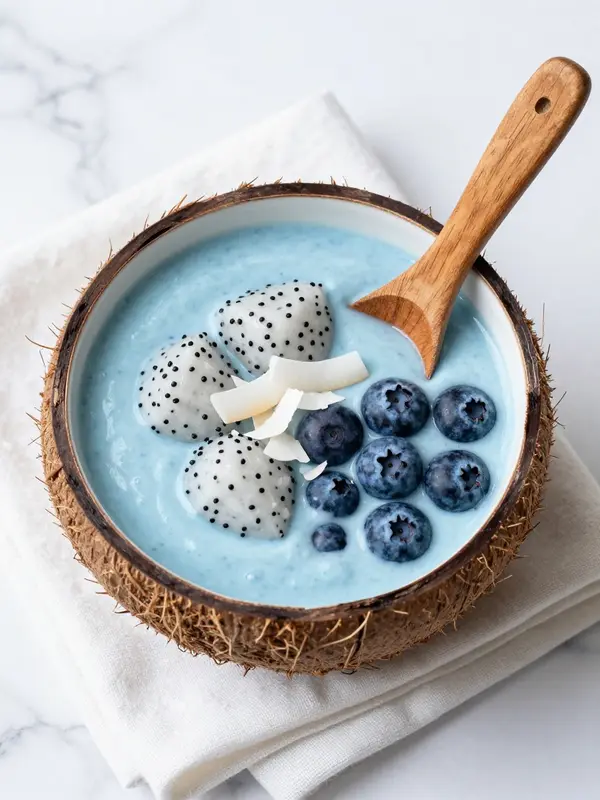
From one link to a full feed
Tell us what you're promoting once. Viral Garden plans the posts, makes them and keeps them coming.
Paste your link
Your website or App Store link, or a few words about what you're promoting. We read it for your brand, product and audience.
Get your first posts
Viral Garden picks slideshow formats that suit your brand and drafts your first posts, images included. Change anything you like.
Post on autopilot
Schedule them to TikTok, or let an automation make and post new ones on your days and times. Posting is on paid plans.
Keep what works. Change the rest.
Start from scratch, import a post, or remix one of our ready-made templates. Then decide, piece by piece, what stays fixed and what changes in every post.
Where this image comes from
Picked from our image library to match the slot's description.
Headline
Each text layer gets its own instructions and a sample line, so new copy keeps the tone and length.
- Every post gets new copy and new images wherever you haven't fixed them.
- Make 1 to 10 posts at a time, then edit any of them by hand.
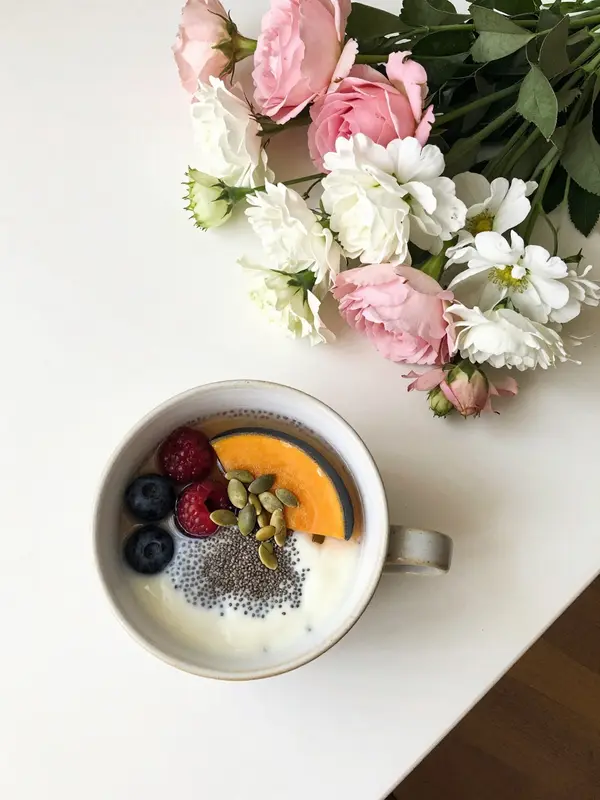
My Sunday reset, in 4 steps
Same format. Any brand.
The layout, text style and pacing stay put. The words and images change for every post.
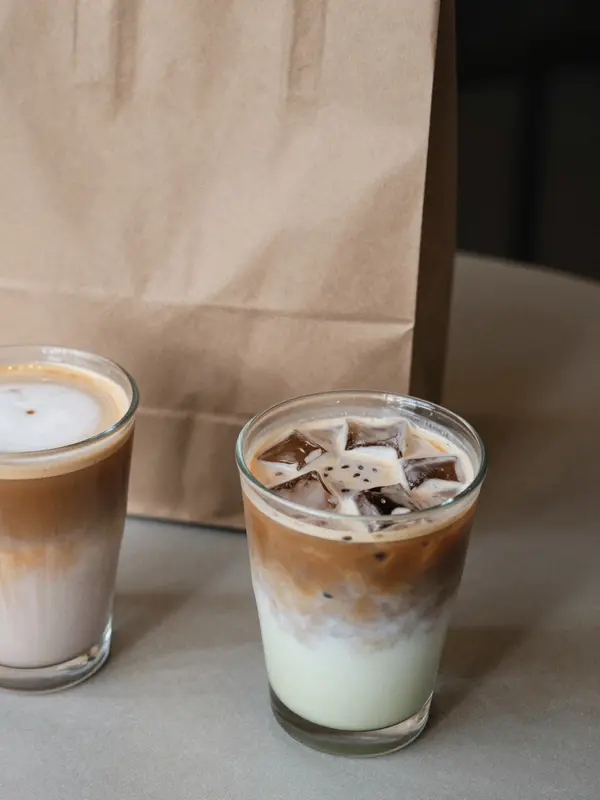
3 iced drinks worth the walk
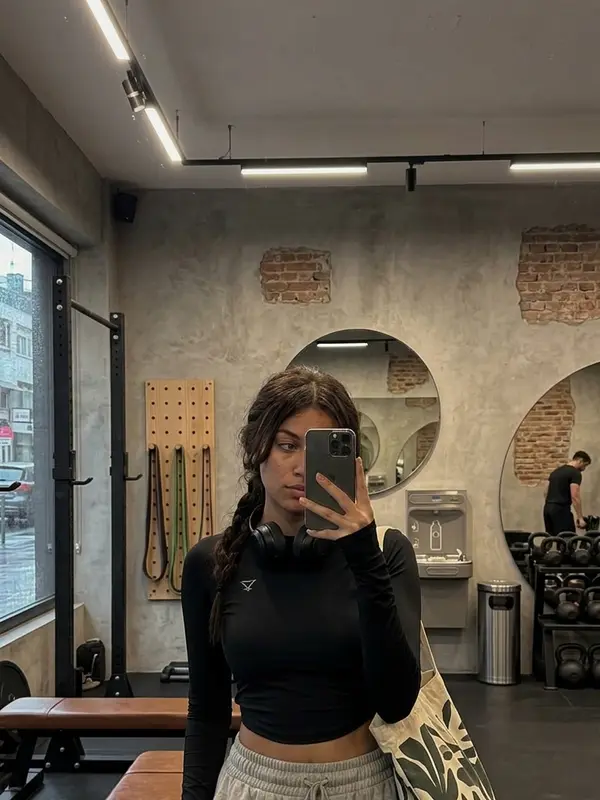
5 habits that made the gym stick
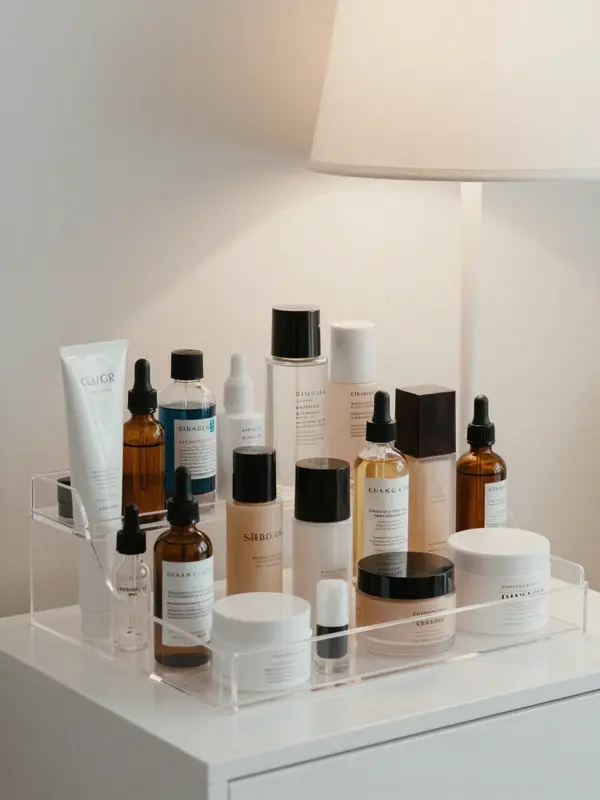
The 4-step routine I actually keep
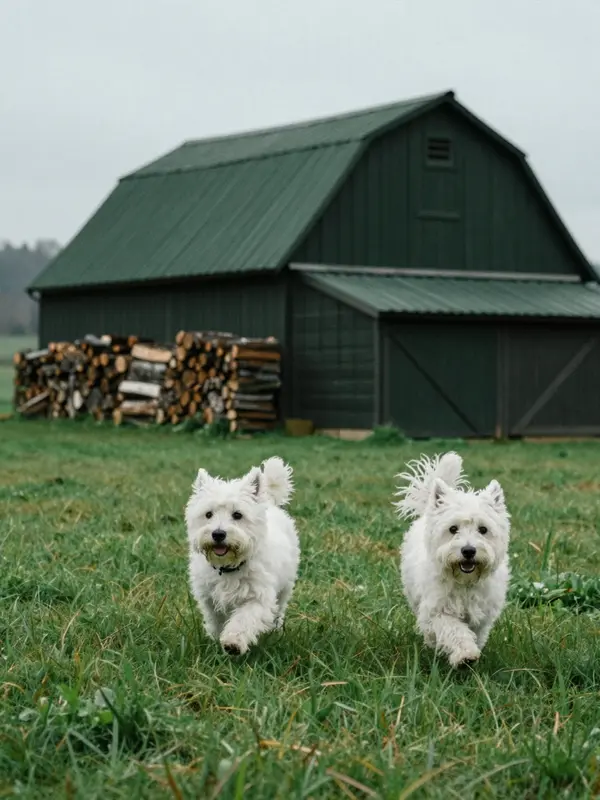
Signs your dog needs more playtime

3 weekend trips under $500
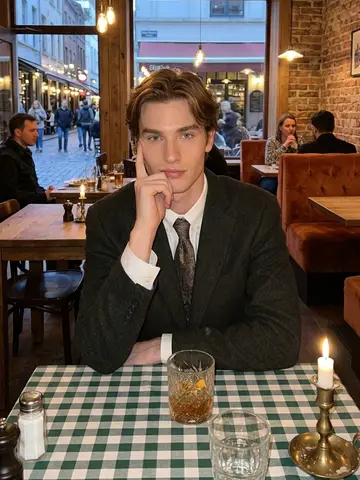
The same face in every post
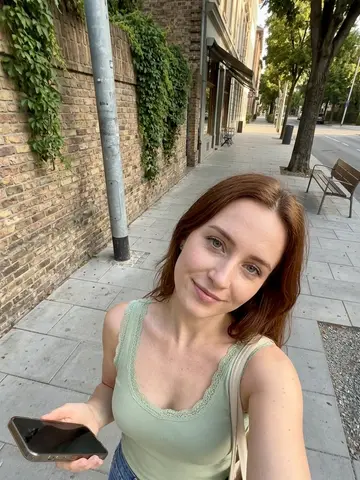
Attach one of our AI influencers to a template's image slots and they appear in those slots in every post it makes, including the ones your automation publishes.
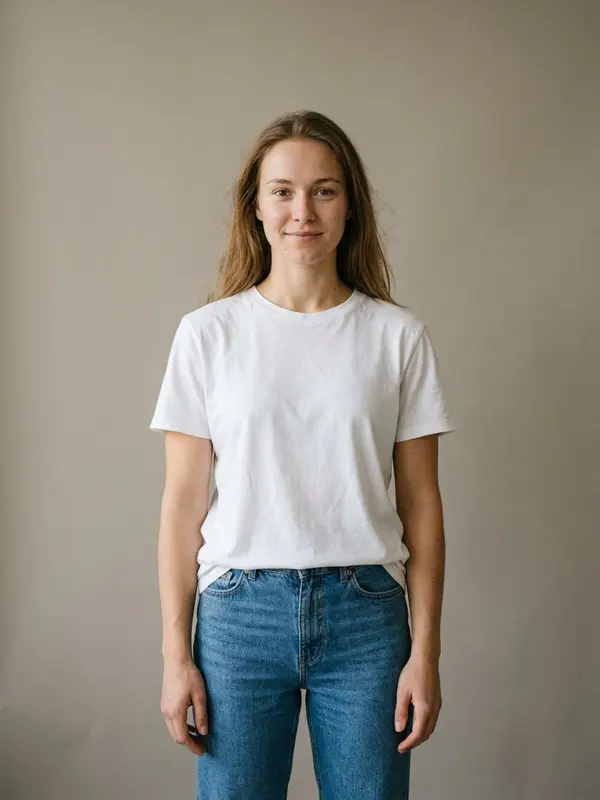

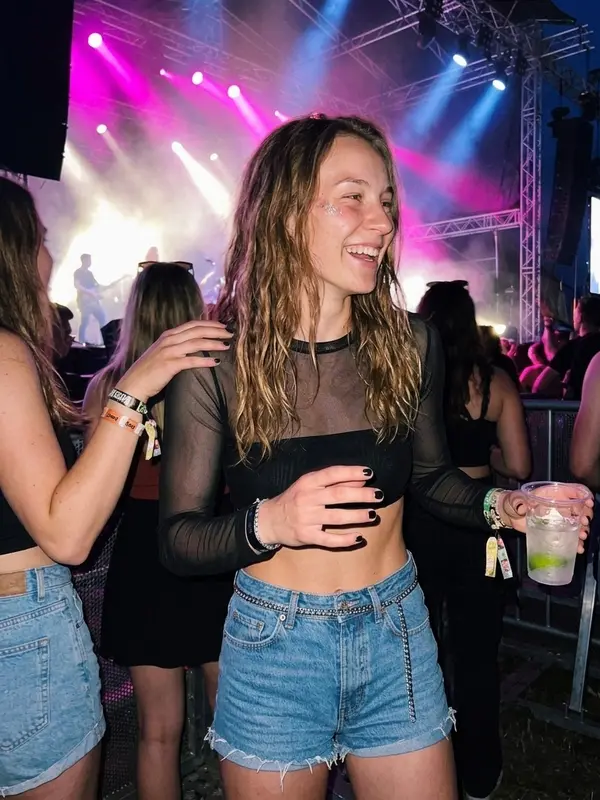

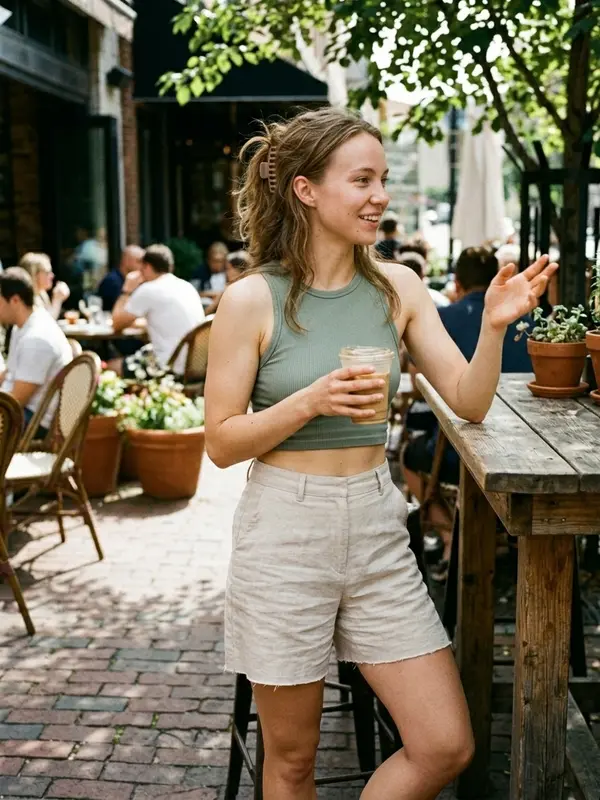
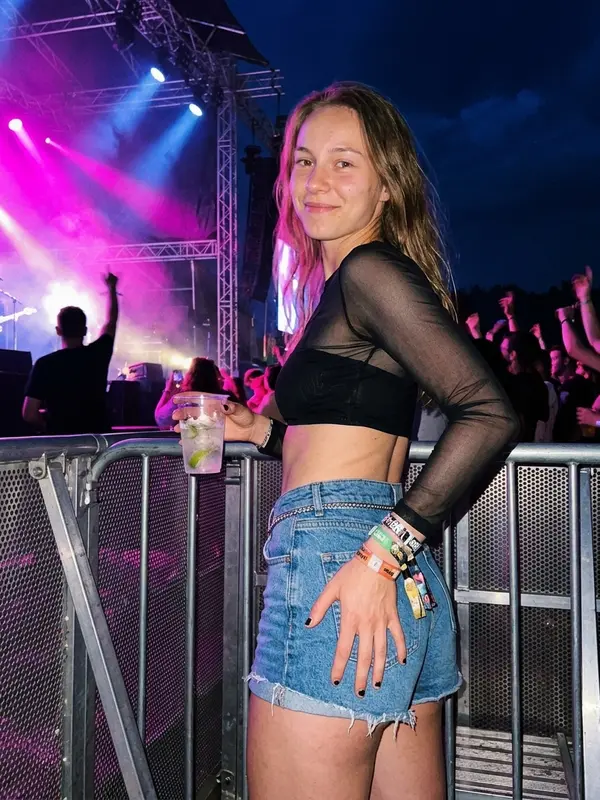
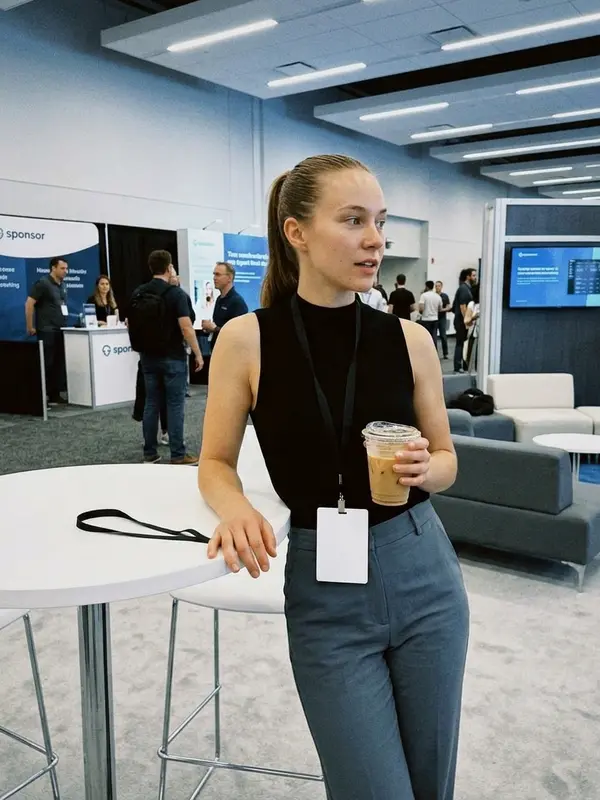
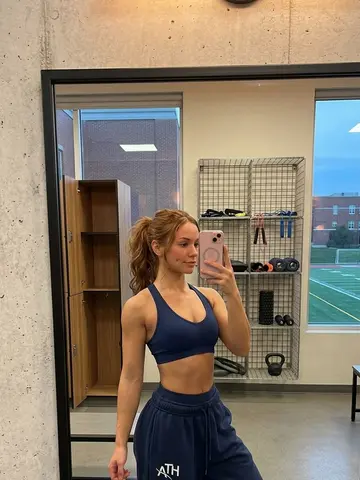
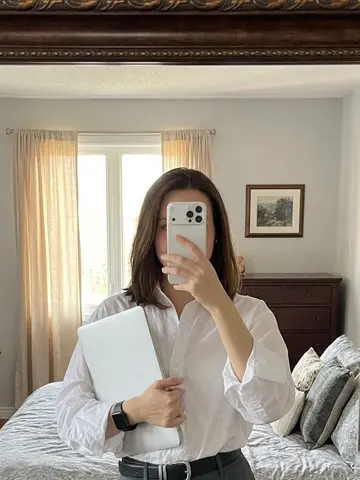
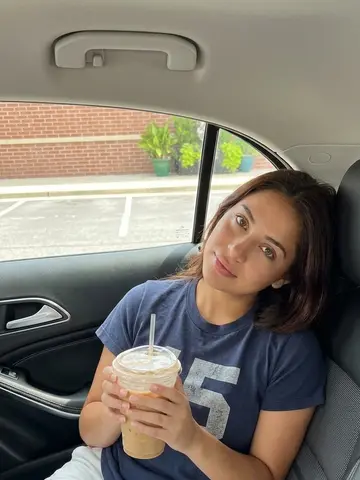
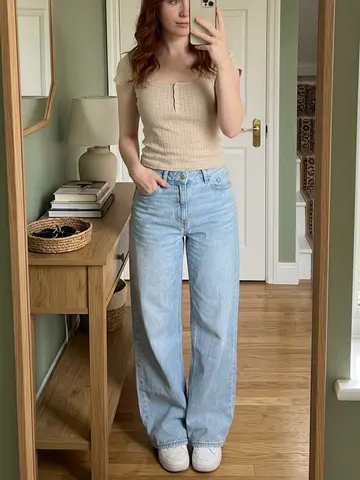
Sample images of Maya. Every image of her is made from this same reference, so she stays recognisably the same person in every slot you give her.
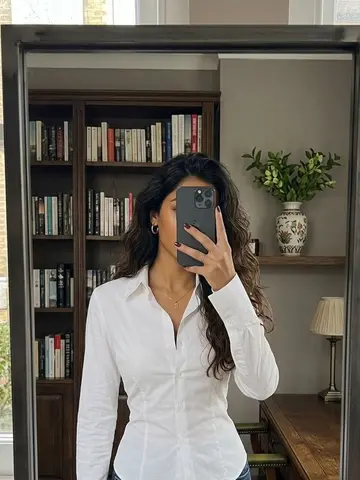
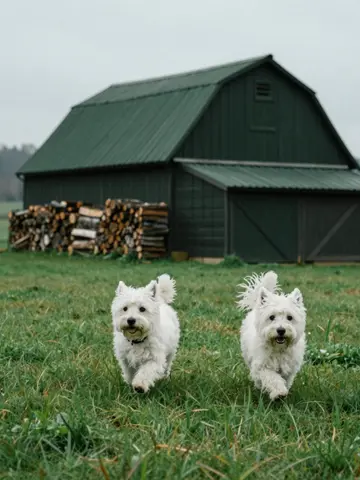
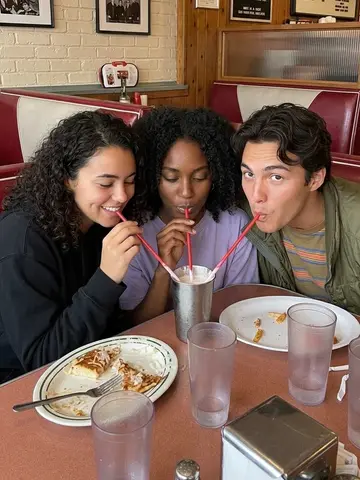
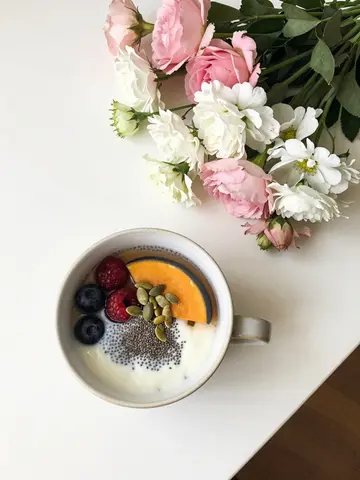
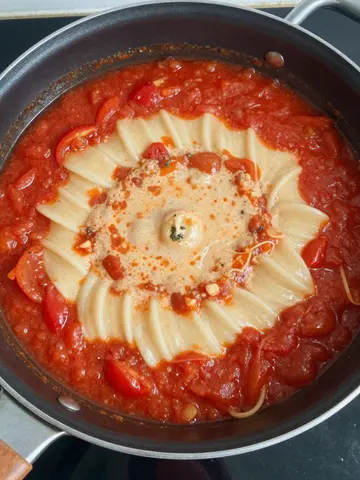
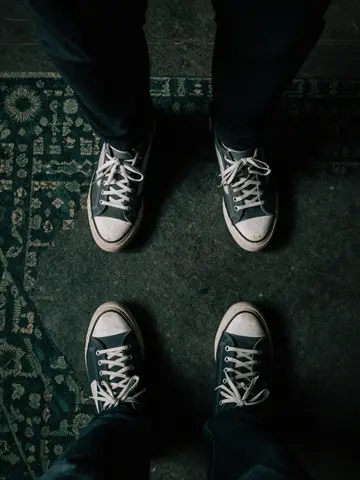
A picture for every slot, no photoshoot
Image slots fill themselves from our library of thousands of images, on every plan.
- Paid plans can also browse the library and search it by what's in the image.
- When nothing fits a slot, a new image is made for it and added to the library.
- Or upload your product photos to a folder, and each post picks from them.

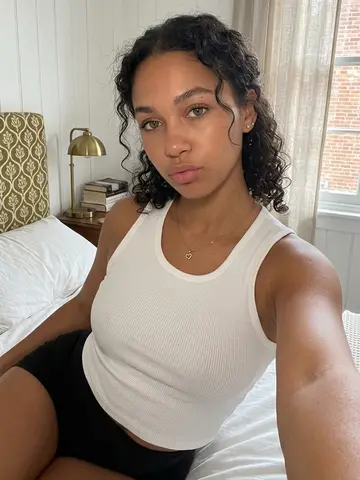
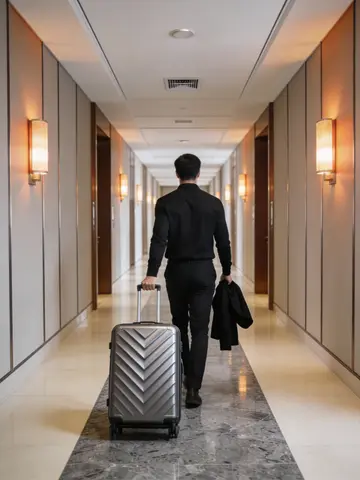
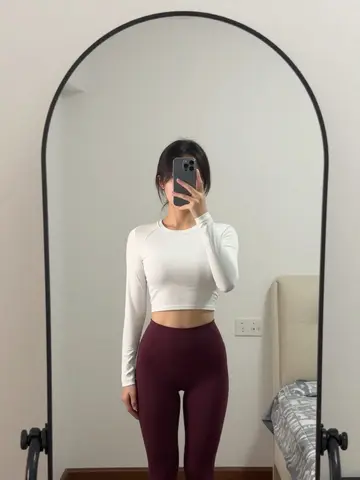
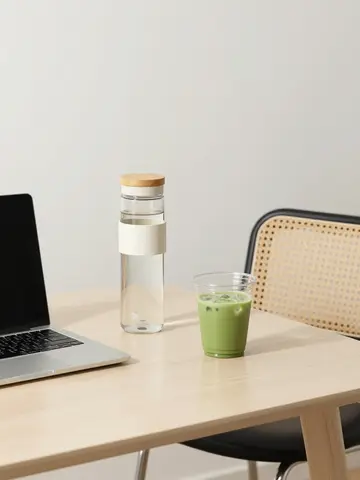


Then it posts for you
Pick a TikTok account, your templates, and the days and times. Viral Garden makes each post ahead of time and publishes it, directly or as a draft in your TikTok inbox.
9:3012:1518:0010:4519:20- Up to 5 posts a day per automation.
- Once a queued post is made, you can edit it right up until it goes out.
- Posting goes to TikTok and YouTube (as Shorts).


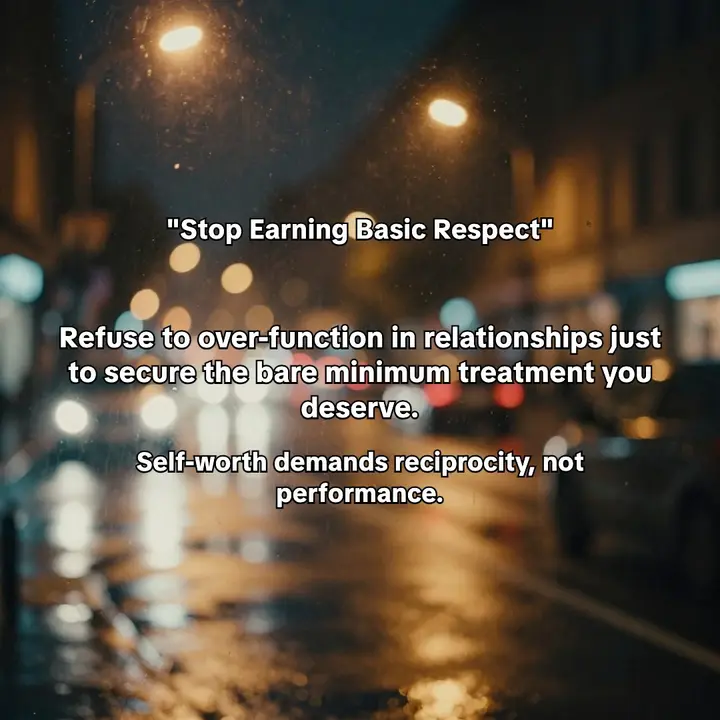
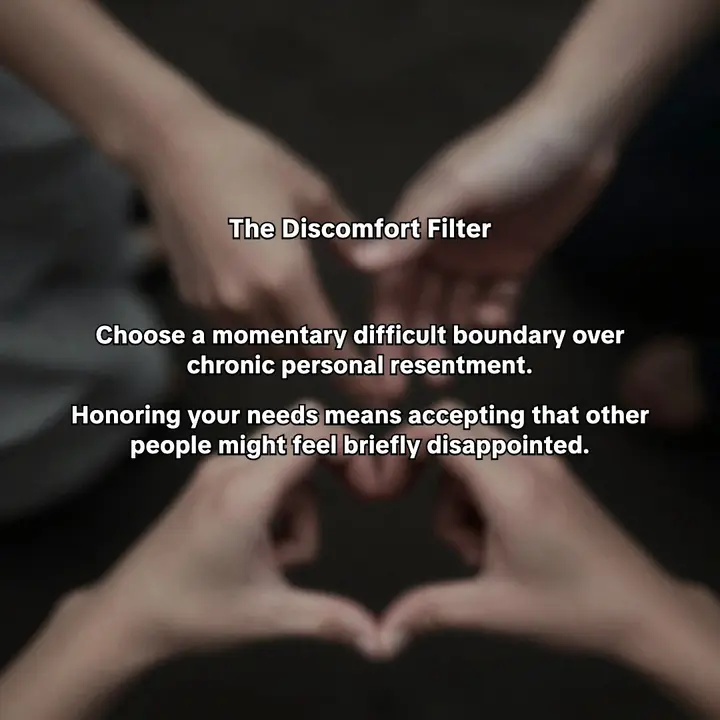
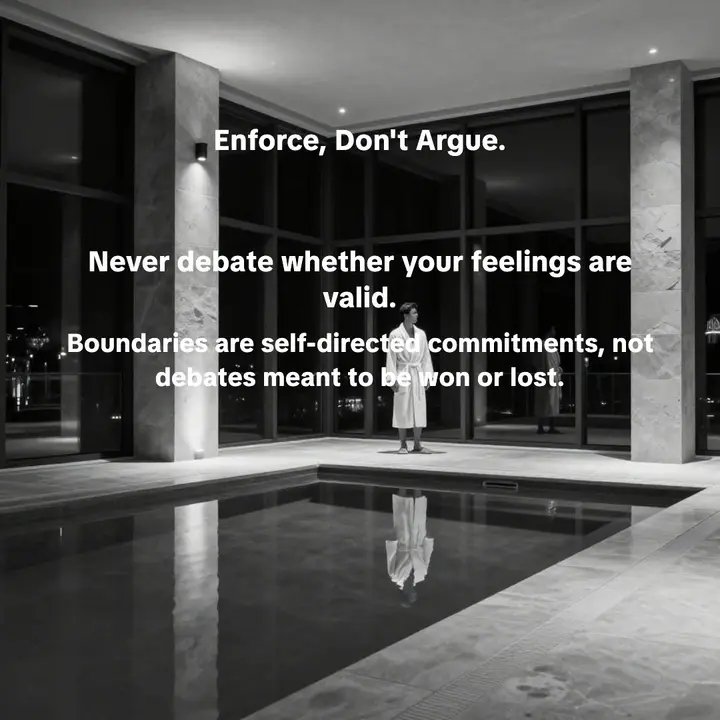
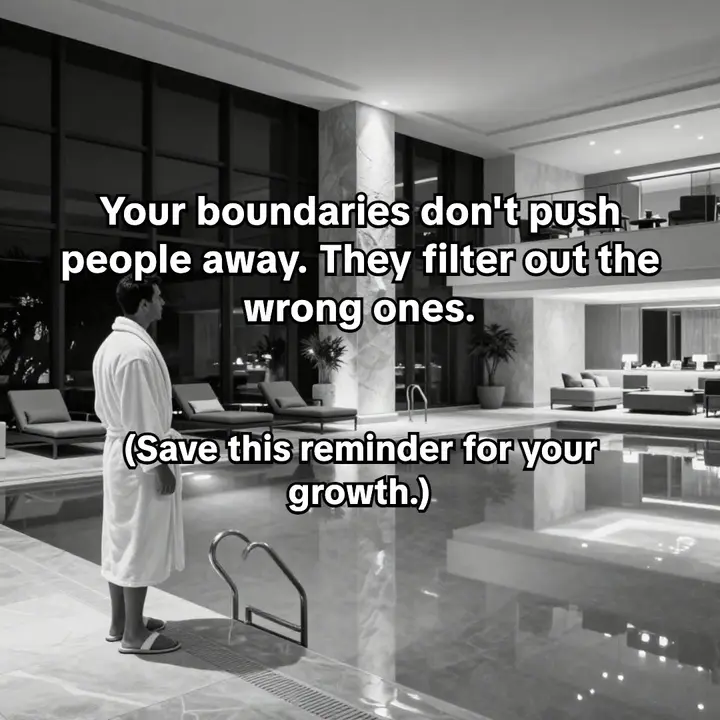
A real carousel one of our automations made and posted to TikTok.
Start free. Upgrade to post.
Try it out.
No card needed
- ✓10 credits, once
- ✓AI chat: 500K tokens / month
- ✓Templates, imports and the editor
- ✓Image slots filled from the library
- ✓Download your posts
Posting to TikTok starts on Starter.
For solo creators getting started.
Billed monthly · cancel anytime
- ✓300 credits / month
- ✓3 connected accounts (TikTok + YouTube)
- ✓AI chat: 3M tokens / month
- ✓Browse & search the image library
- ✓Scheduler and automations
For creators publishing regularly across multiple accounts.
Billed monthly · cancel anytime
- ✓650 credits / month
- ✓15 connected accounts (TikTok + YouTube)
- ✓AI chat: 6M tokens / month
- ✓Browse & search the image library
- ✓Scheduler and automations
For teams and agencies running content at volume.
Billed monthly · cancel anytime
- ✓2,500 credits / month
- ✓30 connected accounts (TikTok + YouTube)
- ✓AI chat: 25M tokens / month
- ✓Browse & search the image library
- ✓Scheduler and automations
A post costs 1 credit per library image and 2 per AI or influencer image. Your own photos are free. A typical ready-made template comes to about 7 credits a post, an import uses 5, and automated posts add 2. Editing and downloading are free.
Asked & answered
Which links can I import?
Your website or App Store link, which we read for your brand, audience and tone to draft your first posts. Or a TikTok photo slideshow, Instagram carousel or single-photo Instagram post, to turn its format into a template for 5 credits.
Will the AI influencer look the same in every post?
They stay recognisable. Every image of them is made from the same reference photo, so the face carries from post to post. If one comes out looking off, swap that image in the editor.
Where can I post?
Viral Garden publishes to TikTok, directly or as a draft in your TikTok inbox, and to YouTube, where your carousel goes up as a vertical Short. For anywhere else, download the images.
How do credits work?
Credits pay for images: 1 for each library image, 2 for each AI or influencer image, and nothing for your own photos, with at least 1 per post. A post from a typical ready-made template uses about 7, an import uses 5, and an automated post uses 2 more. The free plan is 10 credits, once. Editing by hand and downloading are free.
Can I cancel anytime?
Yes. Paid plans are cancel-anytime, and you keep access until the end of your billing cycle.
Your audience is scrolling
Give them something worth stopping for. Paste your link and get your first slideshows free, no card needed.